Remove a Personal Property Tax Account on payitSt.Louis
You will see any property you have linked to your profile on your dashboard. If you no longer own a property or want to remove it from your payitSt.Louis profile, follow the steps below:
Note: Removing a property from payitSt.Louis will not impact the property ownership status or any taxes due, however it will no longer appear on your dashboard at log in.
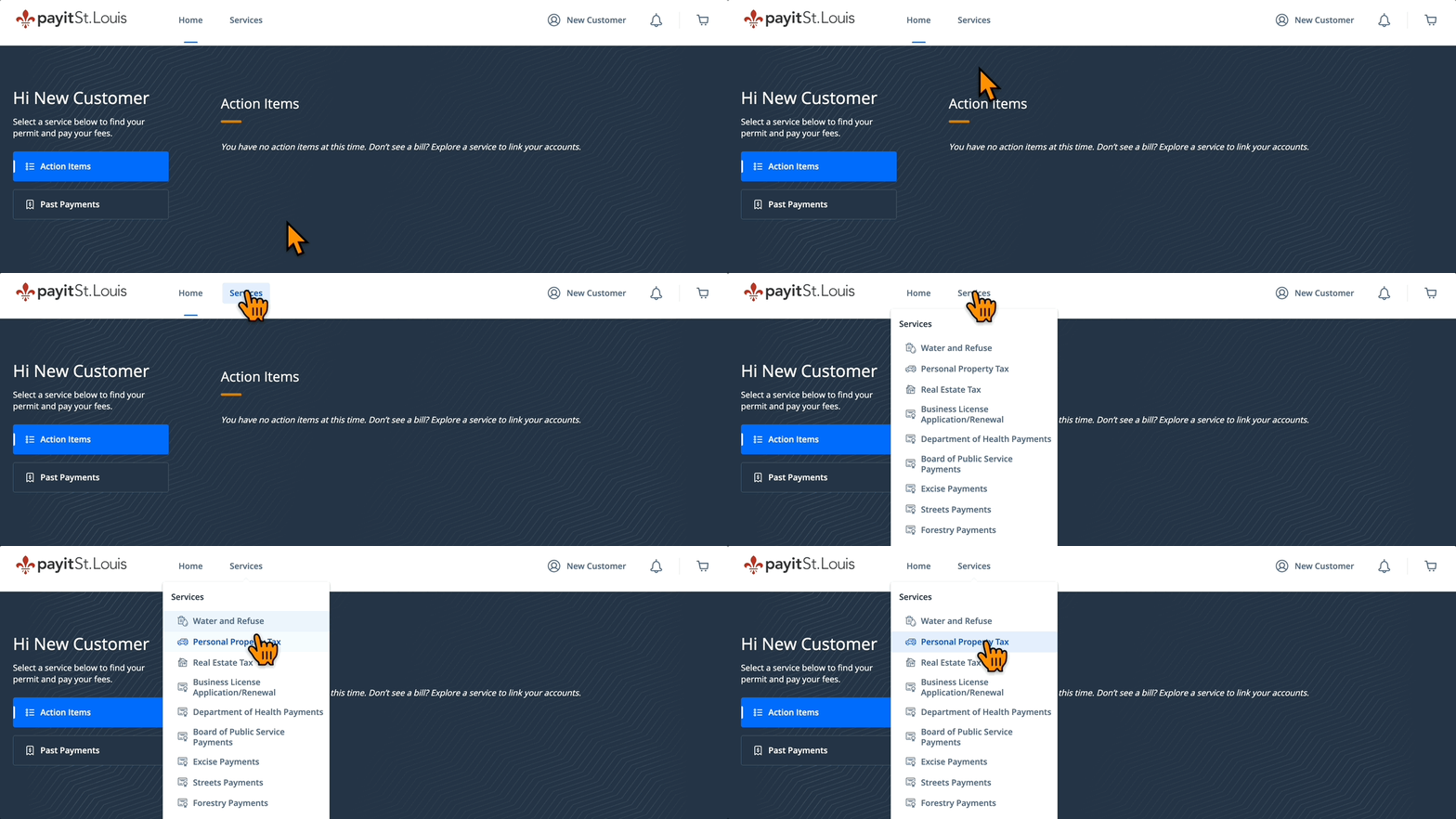
- Select Personal Property Tax from the "Services" drop down menu
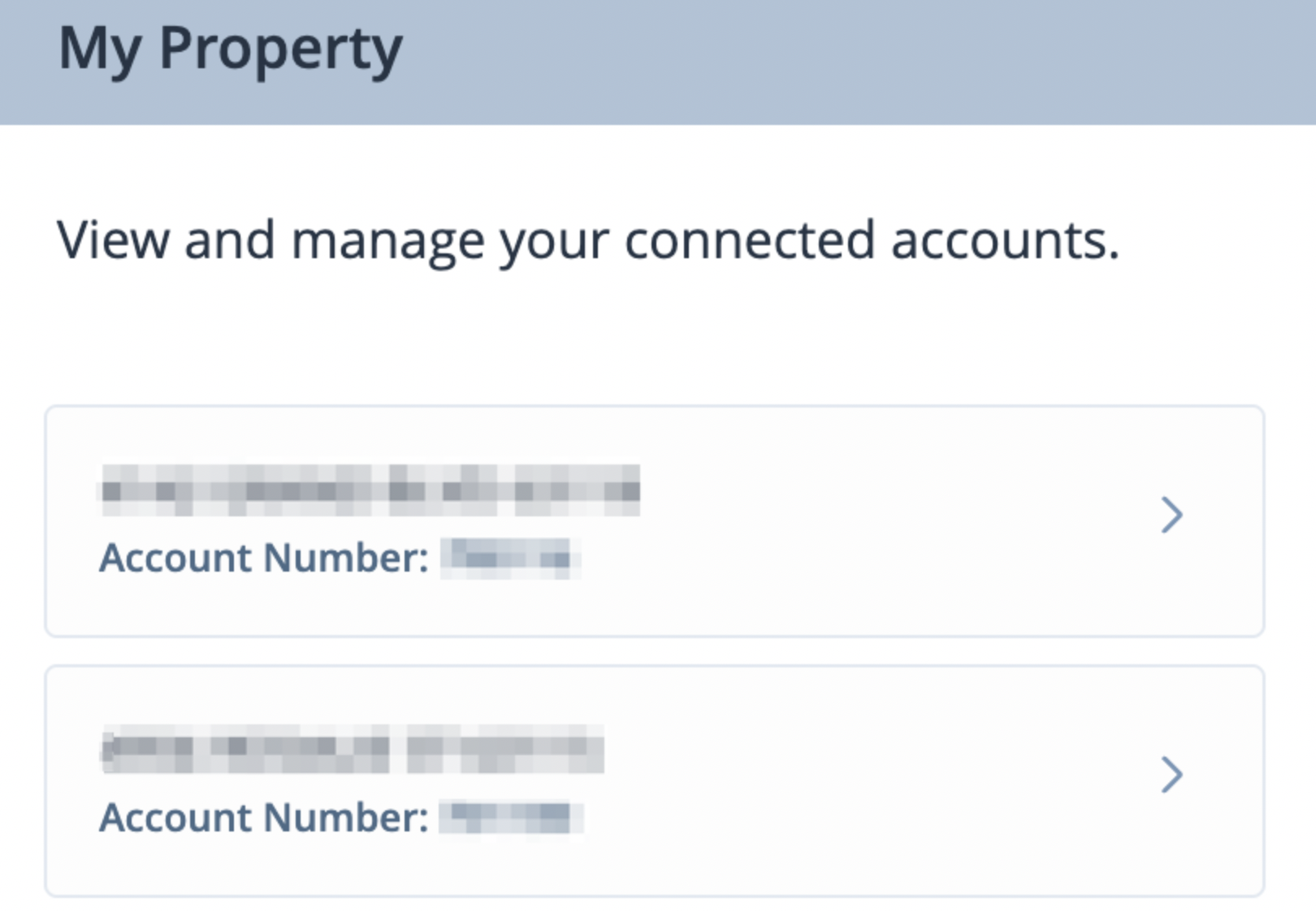
- Towards the right of the screen see, "My Property" and select the property you wish to remove
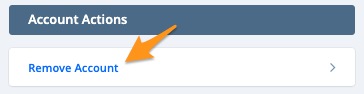
- Under "Account Actions" click Remove Account
- ClickAcceptto confirm