
Pay a City of St. Louis Real Estate Tax Bill on payitSt.Louis
After locating your property on payitSt.Louis (see Add a City of St. Louis Real Estate Tax Account on payitSt.Louis), you can complete your payment by following the steps below:
-
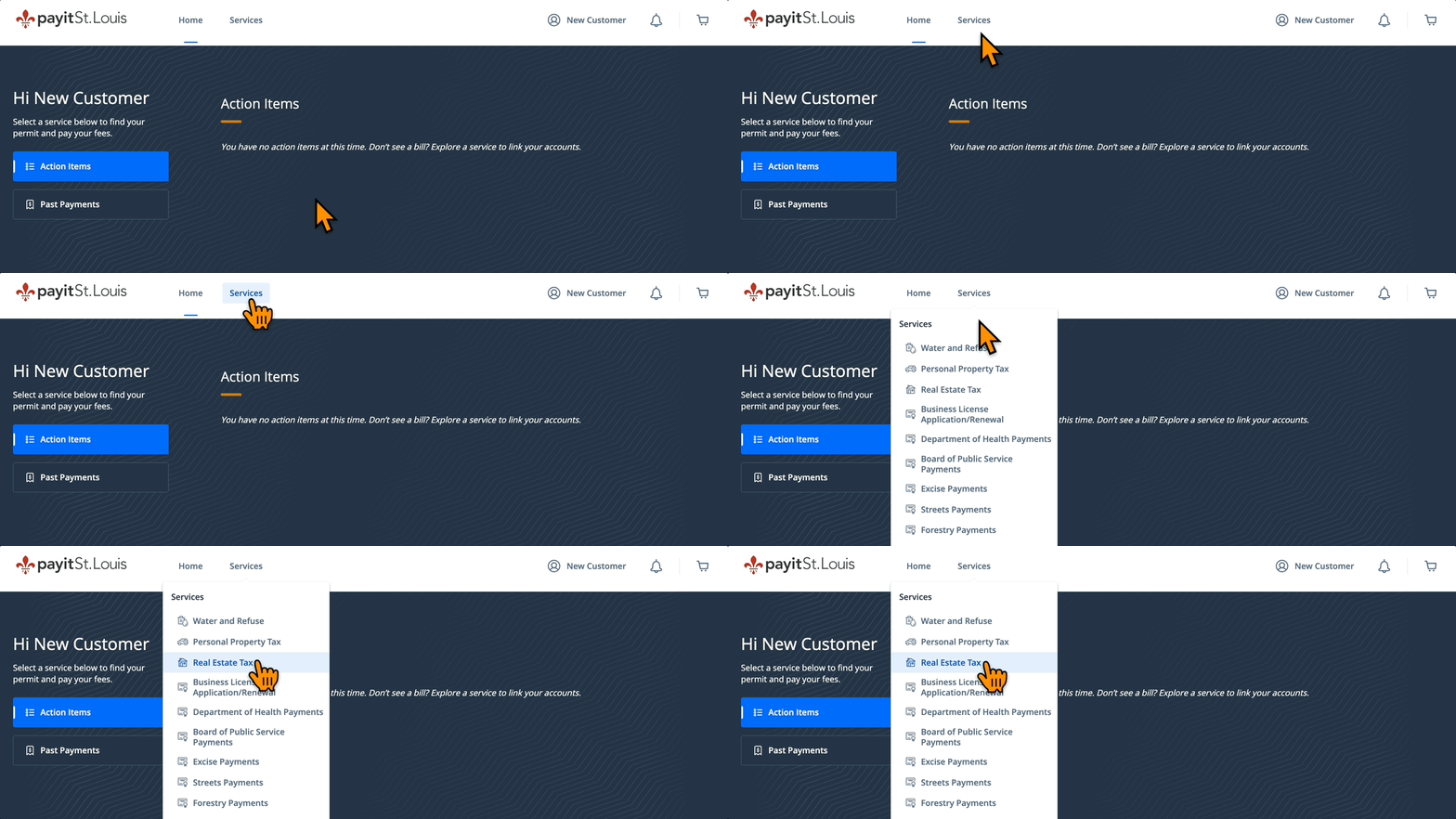
Select Real Estate Tax from the "Services" drop down menu
-
Select the bill you wish to pay and click Add $--.-- to Cart (see Partial Real Estate Tax Payments on payitSt.Louis)
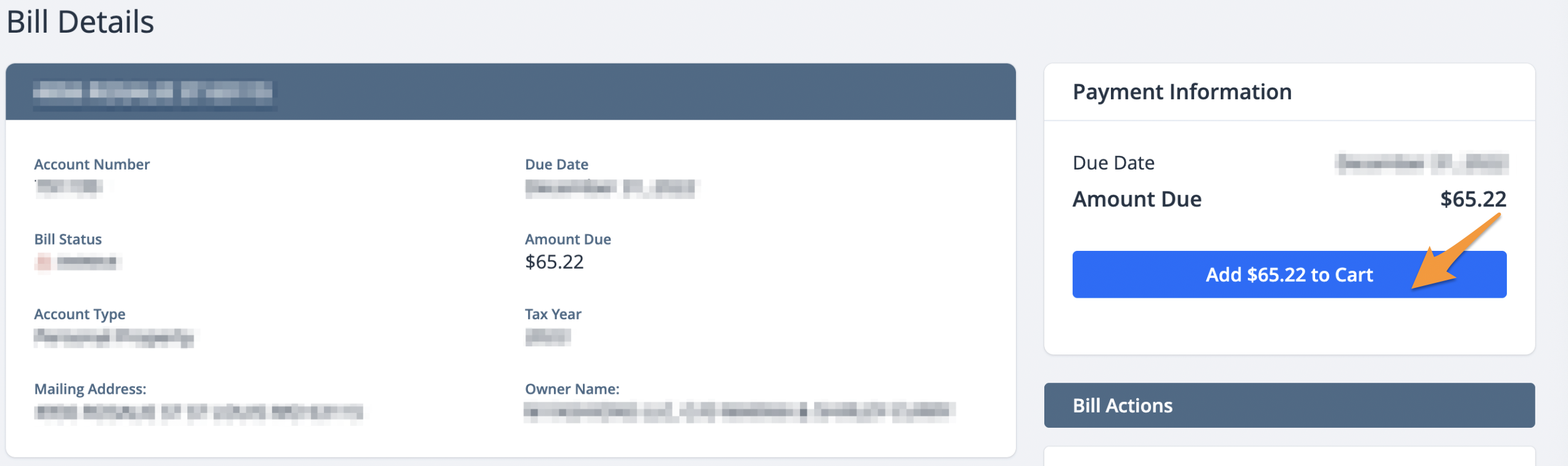
Note: Bills must be paid in order, from oldest to newest.
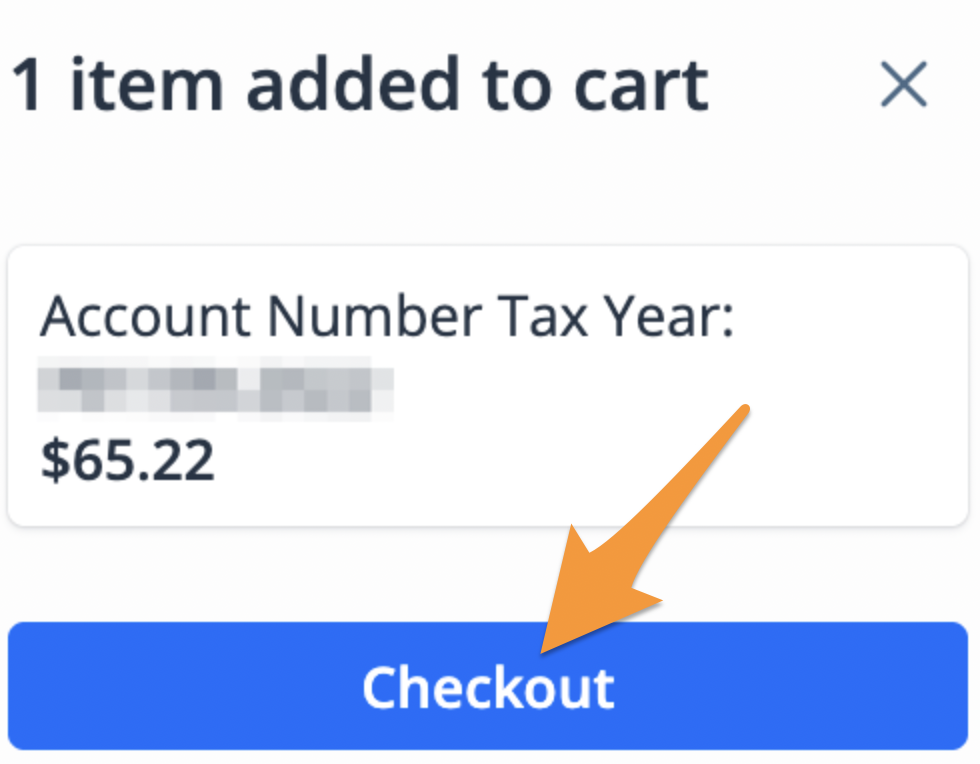
- On the cart notification, click Checkout
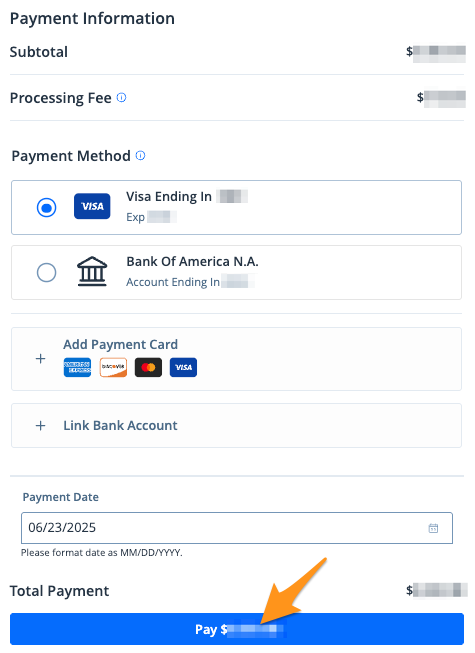
- Select a payment method and click the blue Pay $--.-- button to complete your payment
After completing your payment, you will receive an email confirmation. If you are signed into your payitSt.Louis profile, a receipt will also be stored in the "Payment History" section of your profile (see Find a Receipt on payitSt.Louis).